
College Commitment Graphic Maker
You made your choice. Make your announcement.
Sportlight is a college commitment graphic maker that puts your photo, your new team and your decision in the spotlight.
Create Your Commitment Graphic

Different photos. Different ways to announce.

A portrait that puts the athlete first. 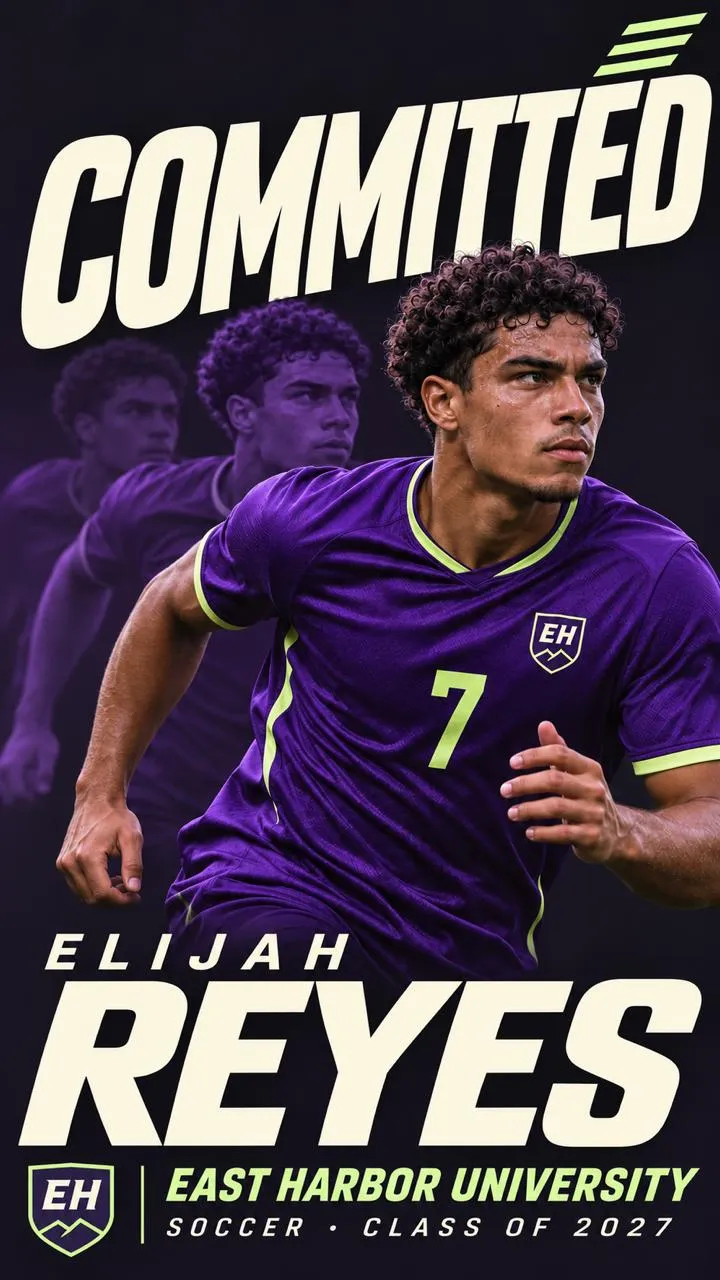
An action shot that carries the energy. 
Team colors that bring the announcement together.


Commitment graphics by sport.
An action shot that shows your game. A portrait that puts your name first. A graphic in the colors of your next team. Explore basketball and volleyball commitment graphics.
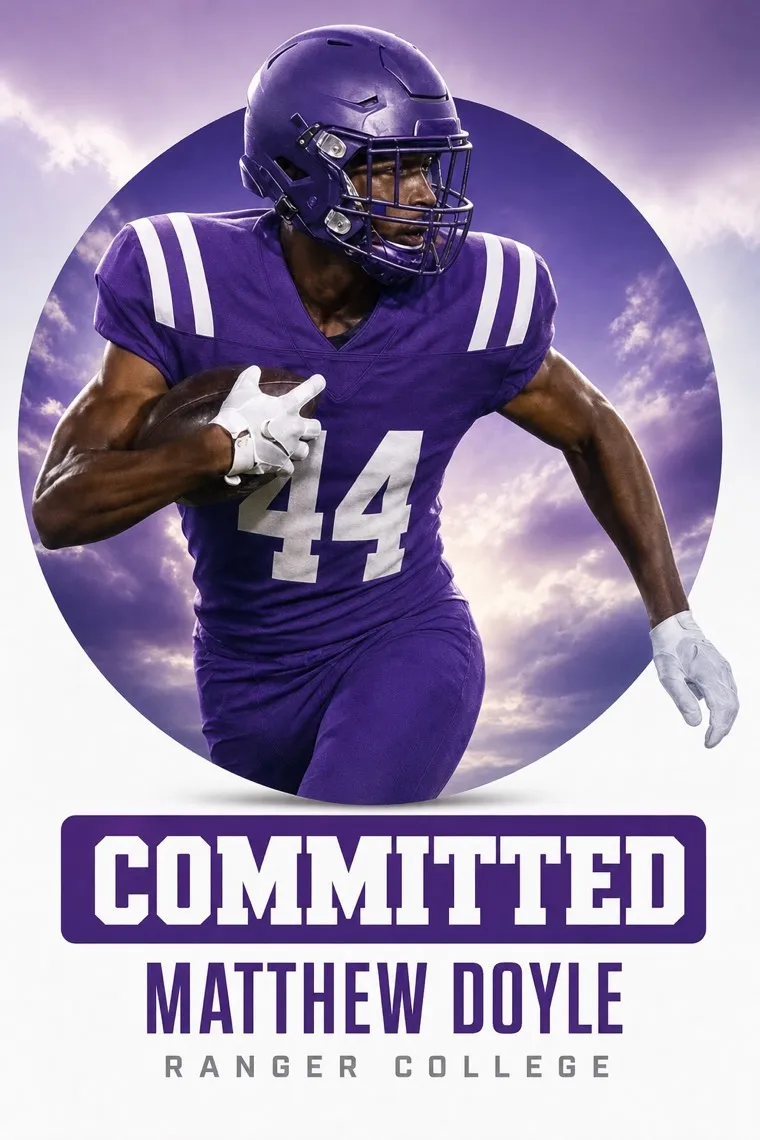
Football 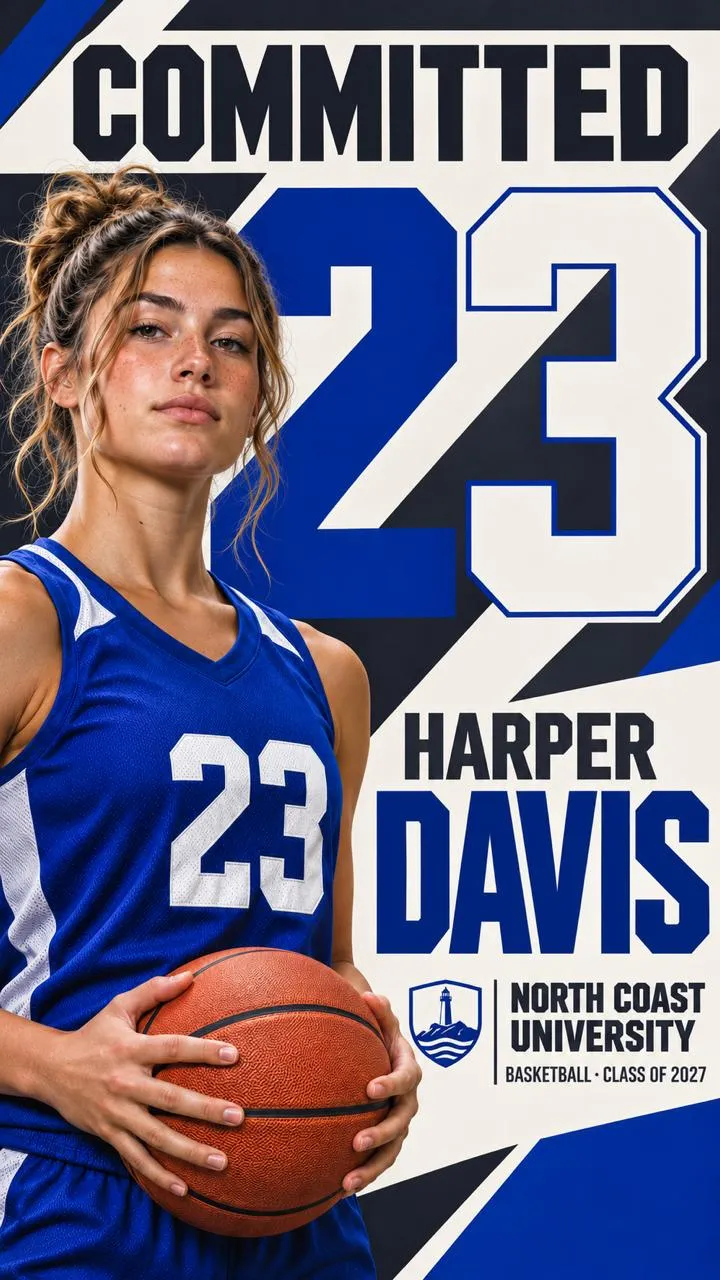
Basketball 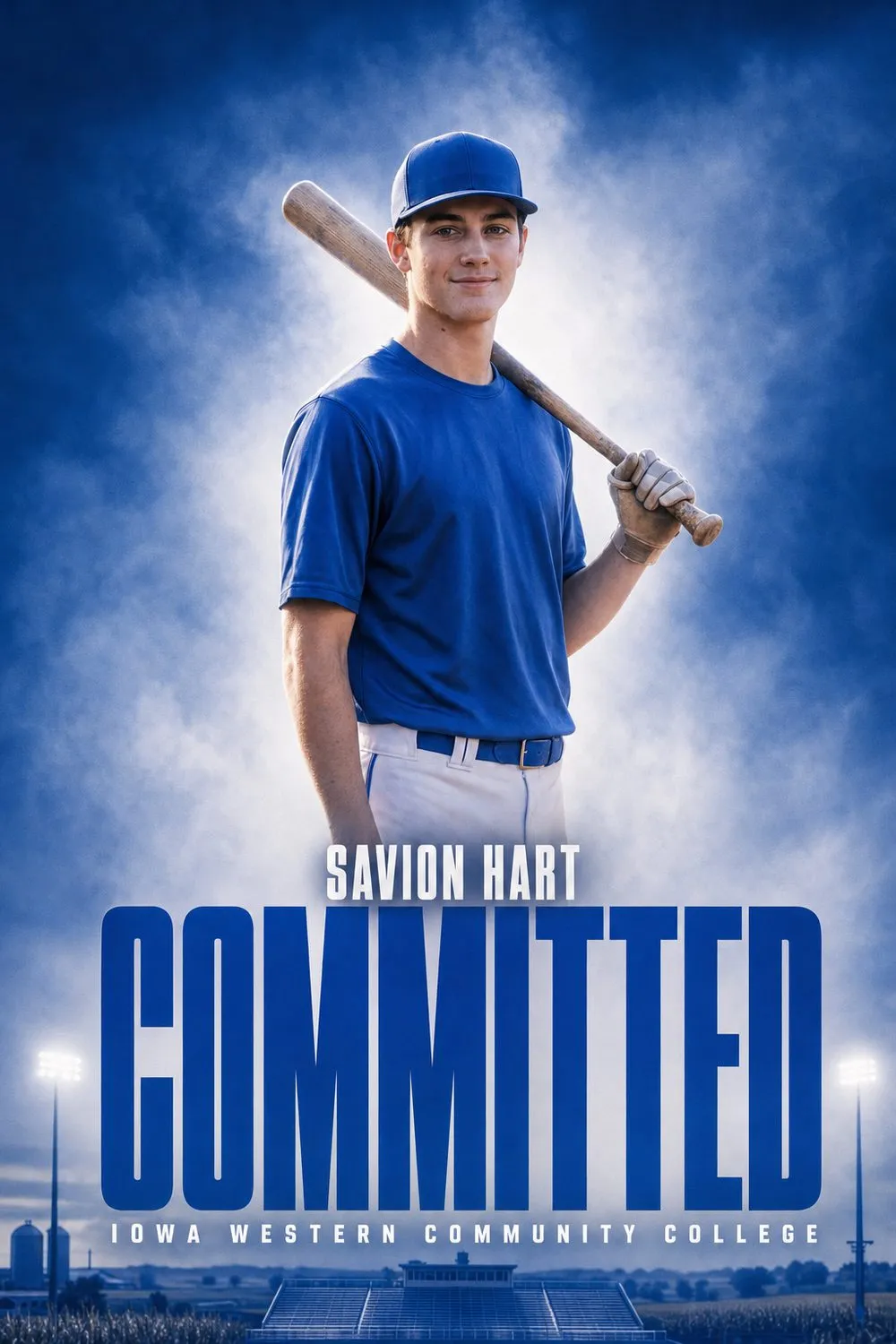
Baseball 
Softball 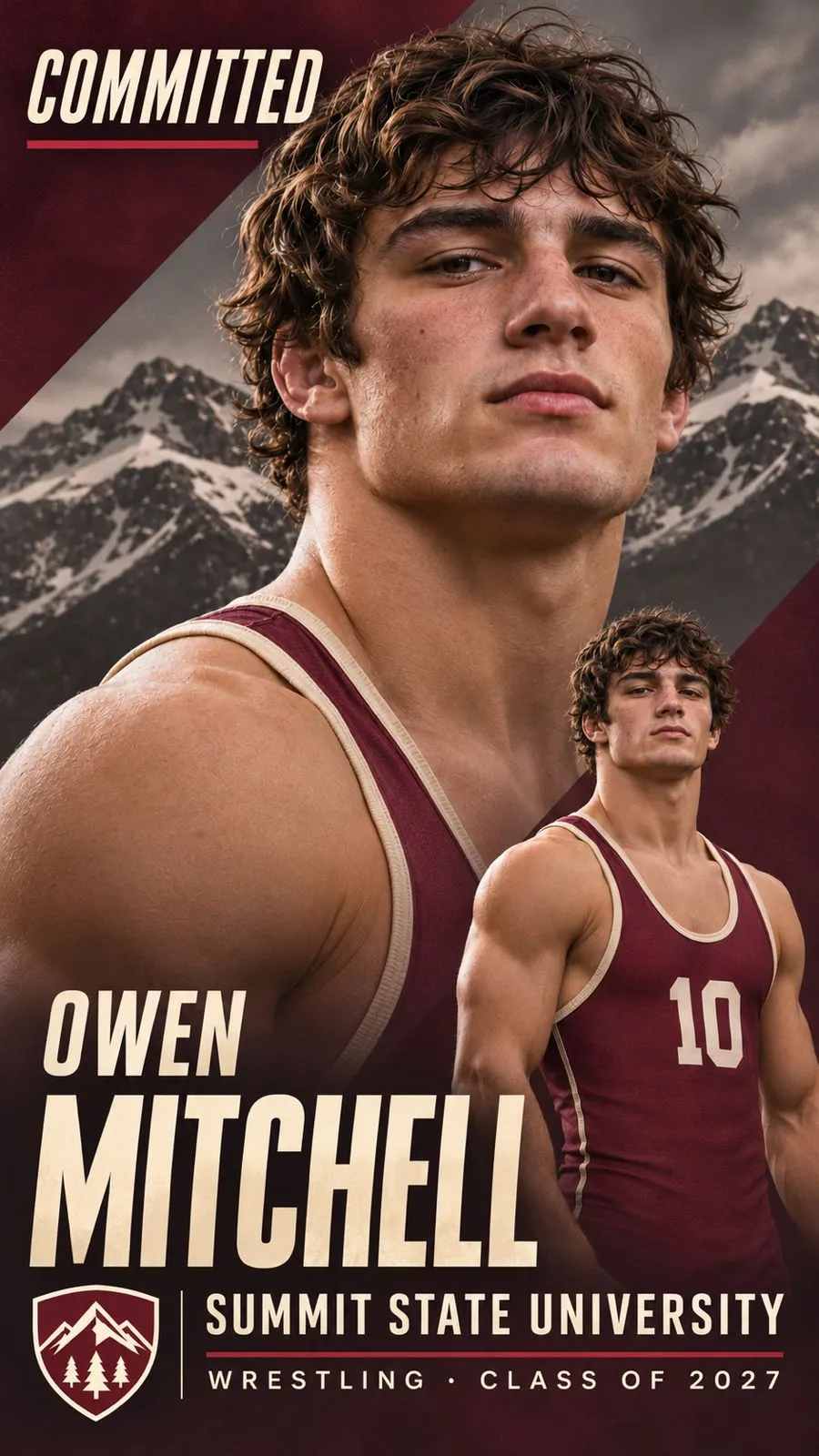
Wrestling 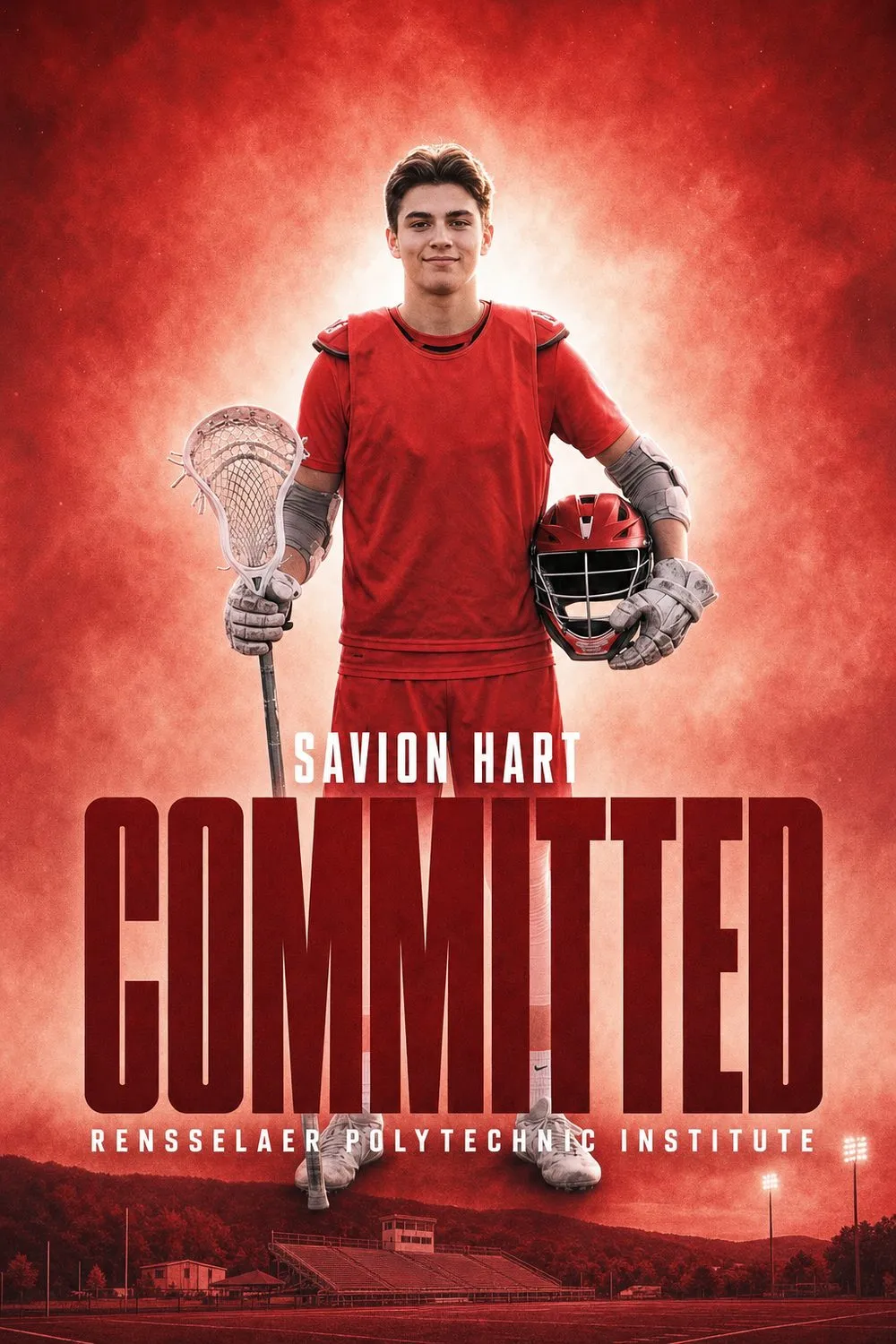
Lacrosse


The pieces of your announcement.
Your photos. The athlete is the starting point. Use a clear portrait, an action shot or a selection of both.
Your colors. Bring your new team into the graphic.
Your name. Make it clear who is announcing.
Your announcement. Add the school or team and a commitment message, with any other details you want to include.
From photo to commitment post.
- Choose your athlete photos.
- Add your team and announcement details.
- Create your personalized graphic.
Need a starting point? Read how to choose photos for a commitment graphic or how to announce your college commitment.
More than a post.
Bring the finished graphic into motion or keep it as a personalized sports print.
Before you create.
What is a commitment graphic?
A commitment graphic is a personalized image used to announce where an athlete plans to play in college. It usually brings together the athlete’s photo, their name, their chosen school and a message such as “Committed.” You may also hear it called a commitment edit.
Is this the same as a signing day graphic?
They celebrate related moments, but the message is different. A commitment graphic announces your decision; a signing day graphic celebrates signing. Use wording that matches your situation.
What should I prepare?
Have your photos, school or team name, preferred colors and announcement wording ready. Double-check names and spelling before you share.